


Partner Academy · Deye
Battery comm warn
Energy storage communication warning
Deye service: Battery comm warn — CAN/RS485 to storage.
Field checks
- Check CAN/RS485 cable between energy storage and inverter.
- Verify CAN-H / CAN-L pinout and DIP addressing on the pack.
You may see a jumping or frozen SOC, odd charge behaviour, or almost nothing except the warning. Sometimes the BMS drops charge permission on CAN while the inverter still charges at full power and shows W31.
Usual causes, most frequent first: BMS cable (wrong port, pinout, RJ45, or cable next to power conductors); wrong protocol or voltage-only link; master DIP/address or no link between modules; BMS flags such as charge inhibit; old inverter firmware.
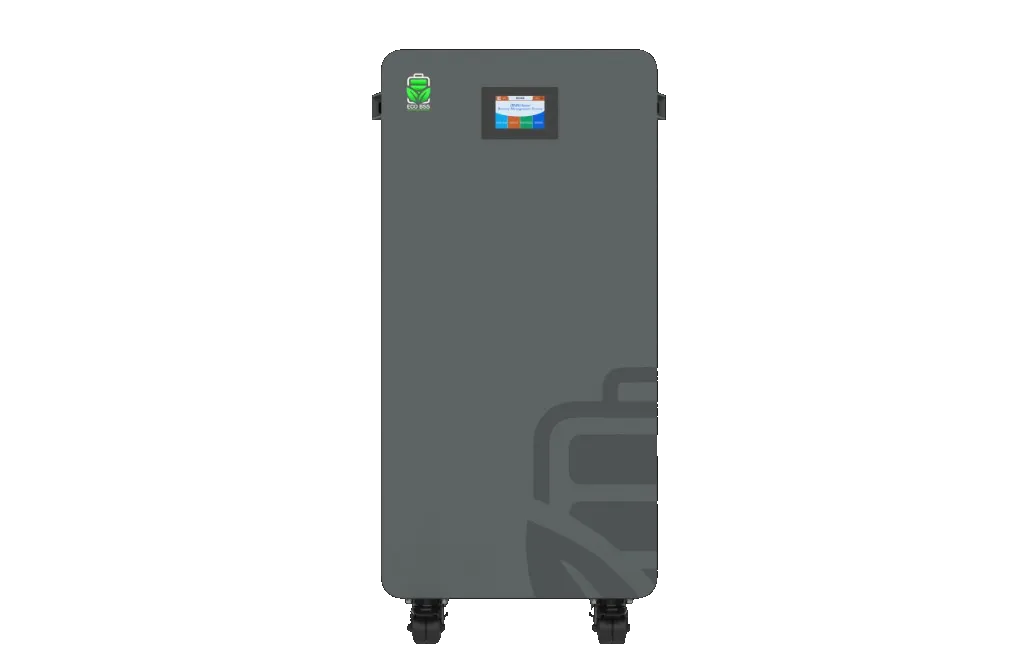
For energy-storage pairing see LiFePO4 energy storage used with this inverter class.
FAQ
Is W31 on Deye a fault that stops the inverter?
Why is W31 still there after I changed the battery protocol?
When does W31 need service?
Error won't clear? Send a photo of the display to WhatsApp +995 568 999 668: an Inversol engineer will tell you what to check.
Installer or service company? Deye, ECOBSS and Heckman equipment: partner prices on request via WhatsApp.
WhatsAppEquipment for this class

This information is for reference only. Electrical work is performed by a qualified specialist in accordance with the manufacturer's instructions and local regulations. Code names are given per the Deye manual for the stated series and may differ for your model.