


Partner Academy · Deye
Meter Comm Fail
Energy meter communication failure
Deye service: Meter Comm Fail — RS485 / Modbus meter link.
Field checks
- Inspect the communication cable between inverter and smart meter.
- Confirm RS485 A/B pinout matches both ends.
- Verify the meter Modbus address matches the inverter menu.
After Meter is selected with no link, the inverter does not see house import. Returning to CT restores it.
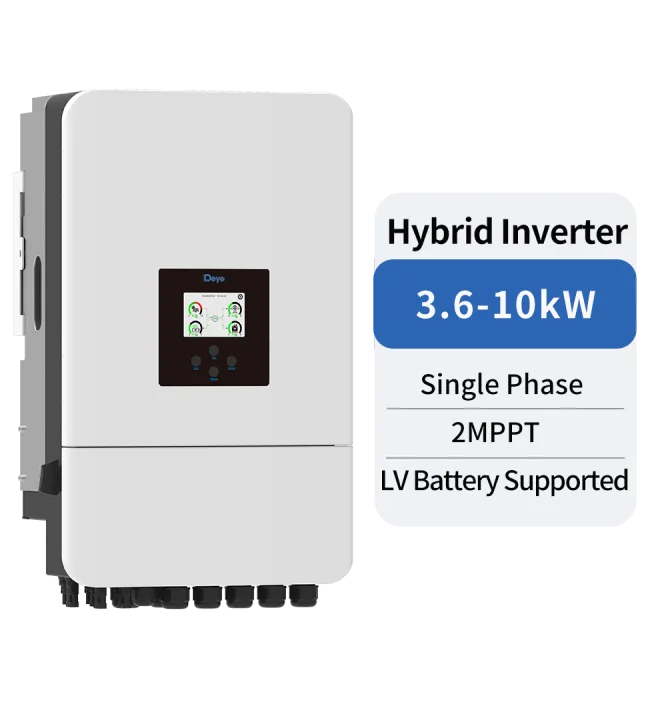
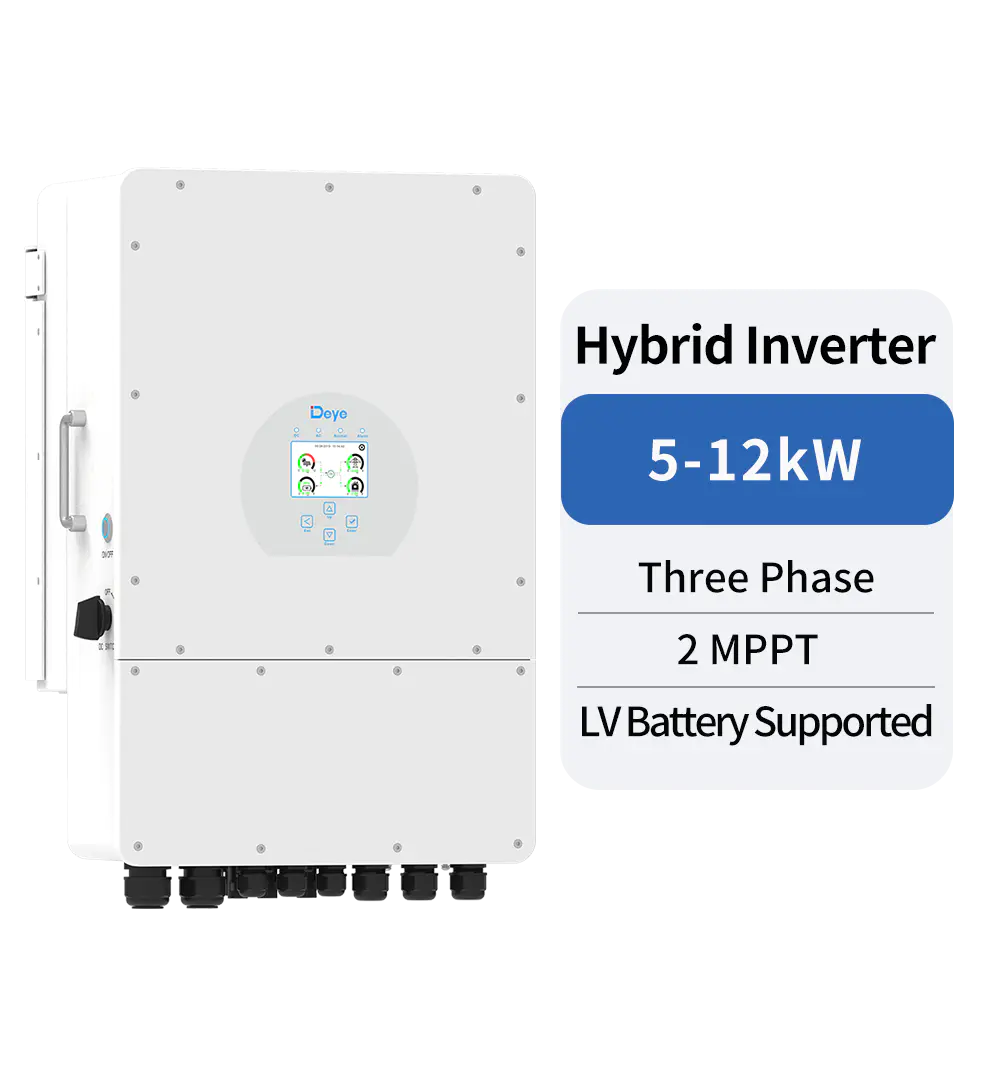
For this AC-side class see Deye hybrid inverters in Georgia and size a kit in the system constructor.
FAQ
What does W4 mean?
Why does W4 clear when I set CT?
What do I check on the wire?
Error won't clear? Send a photo of the display to WhatsApp +995 568 999 668: an Inversol engineer will tell you what to check.
Installer or service company? Deye, ECOBSS and Heckman equipment: partner prices on request via WhatsApp.
WhatsAppEquipment for this class
This information is for reference only. Electrical work is performed by a qualified specialist in accordance with the manufacturer's instructions and local regulations. Code names are given per the Deye manual for the stated series and may differ for your model.