



PowerWallet Energy Manager: The EMS Cloud Inside INVERSOL FLEX
PowerWallet is the INVERSOL FLEX EMS cloud: AI charge/discharge, GENEX-ready tariffs, Deye path, LiFePO4 DoD. Request a quote.
Install Inversol app
Quick access from your home screen
Open in Safari to install
To add Inversol to your home screen, open this page in Safari — tap ⋯ or the browser icon and choose "Open in Safari".
Partner Academy · Error codes

Register bit maps for EcoBSS Flex hybrids: three-phase LV (FLEX 3L) and three-phase HV. Match the code on the display to the correct family tab.
Source: EcoBSS Flex register map V1.2. System names match the English token in the vendor bit list. The same Fn/Wn can differ between 3P LV (FLEX 3L) and 3P HV — pick the family tab that matches the inverter.
Error won't clear? Send a photo of the display to WhatsApp +995 568 999 668: an Inversol engineer will tell you what to check.
EcoBSS three-phase LV / FLEX 3L class — same code number can differ from the HV map.
| Code | Bit | System name | Description |
|---|---|---|---|
| W1 | 0 | reserve | Reserved / unused warning bitField checks
|
| W2 | 1 | Fan_Warn | Cooling fan warningField checks
|
| W3 | 2 | Grid_phase_wrong | Incorrect grid phase sequenceField checks
|
| W4 | 3 | meter_Comm_Fail | Energy meter communication failureField checks
|
| W12 | 11 | Grid_TypeWrong | Wrong grid type settingField checks
|
| W31 | 14 | Battery_comm_warn | Energy storage communication warningField checks
|
| W32 | 15 | Parallel_information_lose | Parallel sync signal lostField checks
|
| Code | Bit | System name | Description |
|---|---|---|---|
| F1 | 0 | DC_InversedFailure | Reverse DC (PV) polarity faultField checks
|
| F2 | 1 | DC_Insulation_Failure | DC insulation resistance permanent faultField checks
|
| F3 | 2 | GFDI_Failure | DC leakage / GFDI faultField checks
|
| F4 | 3 | GFDI_Ground_Failure | Ground / GFDI faultField checks
|
| F5 | 4 | EEPROM_Read_Failure | EEPROM read failureField checks
|
| F6 | 5 | EEPROM_Write_Failure | EEPROM write failureField checks
|
| F7 | 6 | DC/DC_Softstart_Fault | DC/DC soft-start faultField checks
|
| F8 | 7 | GFDI_Relay_Failure | GFDI relay / contactor faultField checks
|
| F9 | 8 | IGBT_Failure | IGBT power module failureField checks
|
| F10 | 9 | AuxPowerBoard_Failure | Auxiliary power board failureField checks
|
| F11 | 10 | AC_MainContactor_Failure | AC main contactor failureField checks
|
| F12 | 11 | AC_SlaveContactor_Failure | AC auxiliary contactor failureField checks
|
| F13 | 12 | Working_mode_change | Grid / working mode changedField checks
|
| F14 | 13 | DC_OverCurr_Fault | DC software overcurrent fault |
| F15 | 14 | SW_AC_OverCurr_Fault | AC software overcurrent faultField checks
|
| F16 | 15 | GFCI_Failure | GFCI (RCD) AC leakage faultField checks
|
| F17 | 0 | Tz_PV_OverCurr_Fault | PV overcurrent faultField checks
|
| F18 | 1 | HW_Ac_OverCurr_Fault | Hardware AC overcurrent faultField checks
|
| F19 | 2 | Tz_Integ_Fault | Hardware integration / MCU faultField checks
|
| F20 | 3 | Tz_Dc_OverCurr_Fault | DC hardware overcurrent faultField checks
|
| F21 | 4 | Tz_HV_OverCurr_Fault | DC bus / HV overcurrent faultField checks
|
| F22 | 5 | Tz_EmergStop_Fault | Emergency stop / grid disconnect faultField checks
|
| F23 | 6 | Tz_GFCI_OC_Fault | Instant AC leakage overcurrent faultField checks
|
| F24 | 7 | DC_Insulation_Fault | DC insulation impedance faultField checks
|
| F25 | 8 | AC_Active_Batt_Fault | DC back-feed / active storage faultField checks
|
| F26 | 9 | BusUnbalance_Fault | DC bus unbalance faultField checks
|
| F27 | 10 | DC_Insulation_Fault | DC insulation impedance faultField checks
|
| F28 | 11 | DCIOver_M1_Fault | Inverter 1 DC component high faultField checks
|
| F29 | 12 | Parallel_CANBus_Fault | Parallel CAN bus communication faultField checks
|
| F30 | 13 | AC_MainContactor_Fault | AC main line contactor fault |
| F31 | 14 | AC_SlaveContactor_Fault | AC auxiliary contactor faultField checks
|
| F32 | 15 | DCIOver_M2_Fault | Inverter 2 DC component high faultField checks
|
| F33 | 0 | AC_OverCurr_Fault | AC overcurrent faultField checks
|
| F34 | 1 | AC_Overlooad_Fault | AC overload faultField checks
|
| F35 | 2 | AC_NoUtility_Fault | No utility / grid voltage at AC terminalsField checks
|
| F36 | 3 | AC_GridPhaseSeque_Fault | AC grid phase sequence faultField checks
|
| F37 | 4 | AC_Volt_Unbalance_Fault | AC voltage unbalanceField checks
|
| F38 | 5 | AC_Curr_Unbalance_Fault | AC three-phase current unbalanceField checks
|
| F39 | 6 | DCLLC_Over_Current | DC-LLC hardware overcurrentField checks
|
| F40 | 7 | INT_DC_OverCurr_Fault | Internal DC overcurrent faultField checks
|
| F41 | 8 | Parallel_System_Stop | Parallel system stopField checks
|
| F42 | 9 | Parallel_Version_Fault | Parallel firmware mismatch or master/slave link lostField checks
|
| F43 | 10 | AC_VW_OverVolt_Fault | AC V-W line overvoltageField checks
|
| F44 | 11 | AC_VW_UnderVolt_Fault | AC V-W line undervoltageField checks
|
| F45 | 12 | AC_UV_OverVolt_Fault | AC U-V line overvoltageField checks
|
| F46 | 13 | AC_VW_UnderVolt_Fault | AC V-W line undervoltageField checks
|
| F47 | 14 | F47AC_OverFreq_Fault | AC over-frequency faultField checks
|
| F48 | 15 | AC_UnderFreq_Fault | AC under-frequency faultField checks
|
| F49 | 0 | AC_U_GridCurr_DcHigh_Fault | Phase U grid current DC component highField checks
|
| F50 | 1 | AC_V_GridCurr_DcHigh_Fault | Phase V grid current DC component highField checks
|
| F51 | 2 | Battery_TempHigh | Energy storage temperature high |
| F52 | 3 | AC_A_InductCurr_DcHigh_Fault | AC inductor phase A DC component high |
| F53 | 4 | AC_B_InductCurr_DcHigh_Fault | AC inductor phase B DC component highField checks
|
| F54 | 5 | BAT_VoltHigh_Fault | Energy storage voltage too highField checks
|
| F55 | 6 | DC_VoltHigh_Fault | DC bus voltage too highField checks
|
| F56 | 7 | DC_VoltLow_Fault | DC bus voltage too low |
| F57 | 8 | AC_BackFeed_Fault | AC back-feed faultField checks
|
| F58 | 9 | BMS_Communication_Fault | BMS communication faultField checks
|
| F59 | 10 | AC_V_GridCurr_High_Fault | Phase V grid current overcurrentField checks
|
| F60 | 11 | Gen_Volt_or_Fre_Fault | Generator voltage or frequency faultField checks
|
| F61 | 12 | Button_Manual_OFF | Manual OFF button pressedField checks
|
| F62 | 13 | DRMs0_Stop | DRM stop (DRMs0)Field checks
|
| F63 | 14 | Arc_Fault | Arc faultField checks
|
| F64 | 15 | Heatsink_HighTemp_Fault | Heatsink over-temperature fault |
EcoBSS three-phase HV register map — storage voltage codes differ from LV.
| Code | Bit | System name | Description |
|---|---|---|---|
| W1 | 0 | reserve | Reserved / unused warning bitField checks
|
| W2 | 1 | Fan_Warn | Cooling fan warningField checks
|
| W3 | 2 | Grid_phase_wrong | Incorrect grid phase sequenceField checks
|
| W4 | 3 | meter_Comm_Fail | Energy meter communication failureField checks
|
| W31 | 14 | Battery_comm_warn | Energy storage communication warning |
| W32 | 15 | Parallel_information_lose | Parallel sync signal lostField checks
|
| Code | Bit | System name | Description |
|---|---|---|---|
| F1 | 0 | DC_InversedFailure | Reverse DC (PV) polarity faultField checks
|
| F2 | 1 | DC_Insulation_Failure | DC insulation resistance permanent faultField checks
|
| F3 | 2 | GFDI_Failure | DC leakage / GFDI fault |
| F4 | 3 | GFDI_Ground_Failure | Ground / GFDI faultField checks
|
| F5 | 4 | EEPROM_Read_Failure | EEPROM read failureField checks
|
| F6 | 5 | SlaveMCU_Fail | Slave MCU failureField checks
|
| F7 | 6 | DC/DC_Softstart_Fault | DC/DC soft-start faultField checks
|
| F8 | 7 | GFDI_Relay_Failure | GFDI relay / contactor faultField checks
|
| F9 | 8 | IGBT_Failure | IGBT power module failureField checks
|
| F10 | 9 | AuxPowerBoard_Failure | Auxiliary power board failureField checks
|
| F11 | 10 | AC_MainContactor_Failure | AC main contactor failureField checks
|
| F12 | 11 | AC_SlaveContactor_Failure | AC auxiliary contactor failureField checks
|
| F13 | 12 | Working_mode_change | Grid / working mode changedField checks
|
| F14 | 13 | DC_OverCurr_Fault | DC software overcurrent faultField checks
|
| F15 | 14 | SW_AC_OverCurr_Fault | AC software overcurrent faultField checks
|
| F16 | 15 | GFCI_Failure | GFCI (RCD) AC leakage faultField checks
|
| F17 | 0 | Tz_PV_OverCurr_Fault | PV overcurrent faultField checks
|
| F18 | 1 | HW_Ac_OverCurr_Fault | Hardware AC overcurrent fault |
| F19 | 2 | Tz_Integ_Fault | Hardware integration / MCU faultField checks
|
| F20 | 3 | Tz_Dc_OverCurr_Fault | DC hardware overcurrent faultField checks
|
| F21 | 4 | Tz_HV_OverCurr_Fault | DC bus / HV overcurrent faultField checks
|
| F22 | 5 | Tz_EmergStop_Fault | Emergency stop / grid disconnect faultField checks
|
| F23 | 6 | Tz_GFCI_OC_Fault | Instant AC leakage overcurrent faultField checks
|
| F24 | 7 | DC_Insulation_Fault | DC insulation impedance faultField checks
|
| F25 | 8 | AC_Active_Batt_Fault | DC back-feed / active storage faultField checks
|
| F26 | 9 | BusUnbalance_Fault | DC bus unbalance faultField checks
|
| F27 | 10 | DC_Insulation_Fault | DC insulation impedance faultField checks
|
| F28 | 11 | DCIOver_M1_Fault | Inverter 1 DC component high faultField checks
|
| F29 | 12 | Parallel_CANBus_Fault | Parallel CAN bus communication faultField checks
|
| F30 | 13 | AC_MainContactor_Fault | AC main line contactor faultField checks
|
| F31 | 14 | AC_SlaveContactor_Fault | AC auxiliary contactor faultField checks
|
| F32 | 15 | DCIOver_M2_Fault | Inverter 2 DC component high faultField checks
|
| F33 | 0 | AC_OverCurr_Fault | AC overcurrent faultField checks
|
| F34 | 1 | AC_Overlooad_Fault | AC overload faultField checks
|
| F35 | 2 | AC_NoUtility_Fault | No utility / grid voltage at AC terminalsField checks
|
| F36 | 3 | AC_GridPhaseSeque_Fault | AC grid phase sequence faultField checks
|
| F37 | 4 | AC_Volt_Unbalance_Fault | AC voltage unbalanceField checks
|
| F38 | 5 | Parallel_system_Stop1 | Parallel system stopField checks
|
| F39 | 6 | DCLLC_Over_Current | DC-LLC hardware overcurrentField checks
|
| F40 | 7 | INT_DC_OverCurr_Fault | Internal DC overcurrent faultField checks
|
| F41 | 8 | Parallel_System_Stop | Parallel system stopField checks
|
| F42 | 9 | Parallel_Version_Fault | Parallel firmware mismatch or master/slave link lost |
| F43 | 10 | AC_VW_OverVolt_Fault | AC V-W line overvoltageField checks
|
| F44 | 11 | AC_VW_UnderVolt_Fault | AC V-W line undervoltageField checks
|
| F45 | 12 | AC_UV_OverVolt_Fault | AC U-V line overvoltageField checks
|
| F46 | 13 | AC_UV_UnderVolt_Fault | AC U-V line undervoltageField checks
|
| F47 | 14 | F47AC_OverFreq_Fault | AC over-frequency faultField checks
|
| F48 | 15 | AC_UnderFreq_Fault | AC under-frequency faultField checks
|
| F49 | 0 | AC_U_GridCurr_DcHigh_Fault | Phase U grid current DC component highField checks
|
| F50 | 1 | AC_V_GridCurr_DcHigh_Fault | Phase V grid current DC component highField checks
|
| F51 | 2 | Battery_TempHigh | Energy storage temperature highField checks
|
| F52 | 3 | DC_VoltHigh_Fault | DC bus voltage too highField checks
|
| F53 | 4 | DC_VoltLow_Fault | DC bus voltage too lowField checks
|
| F54 | 5 | BAT2_VoltHigh_Fault | Energy storage 2 voltage too highField checks
|
| F55 | 6 | BAT1_VoltHigh_Fault | Energy storage 1 voltage too highField checks
|
| F56 | 7 | BAT1_VoltLow_Fault | Energy storage 1 voltage too low |
| F57 | 8 | BAT2_VoltLow_Fault | Energy storage 2 voltage too lowField checks
|
| F58 | 9 | BMS_Communication_Fault | BMS communication faultField checks
|
| F59 | 10 | BAT_OverCurr_Fault | Energy storage overcurrent faultField checks
|
| F60 | 11 | Gen_Volt_or_Fre_Fault | Generator voltage or frequency faultField checks
|
| F61 | 12 | Inverter_Manual_Off | Inverter manually switched offField checks
|
| F62 | 13 | DRMs0_Stop | DRM stop (DRMs0)Field checks
|
| F63 | 14 | Arc_Fault | Arc faultField checks
|
| F64 | 15 | Heatsink_HighTemp_Fault | Heatsink over-temperature faultField checks
|
No matching codes
Need install / CT / floating-neutral context? Start with INVERSOL FLEX.
Deye W/F codes →Buyer and EMS briefs that pair with EcoBSS FLEX fault pages — code detail stays on Academy.
PowerWallet is the INVERSOL FLEX EMS cloud: AI charge/discharge, GENEX-ready tariffs, Deye path, LiFePO4 DoD. Request a quote.
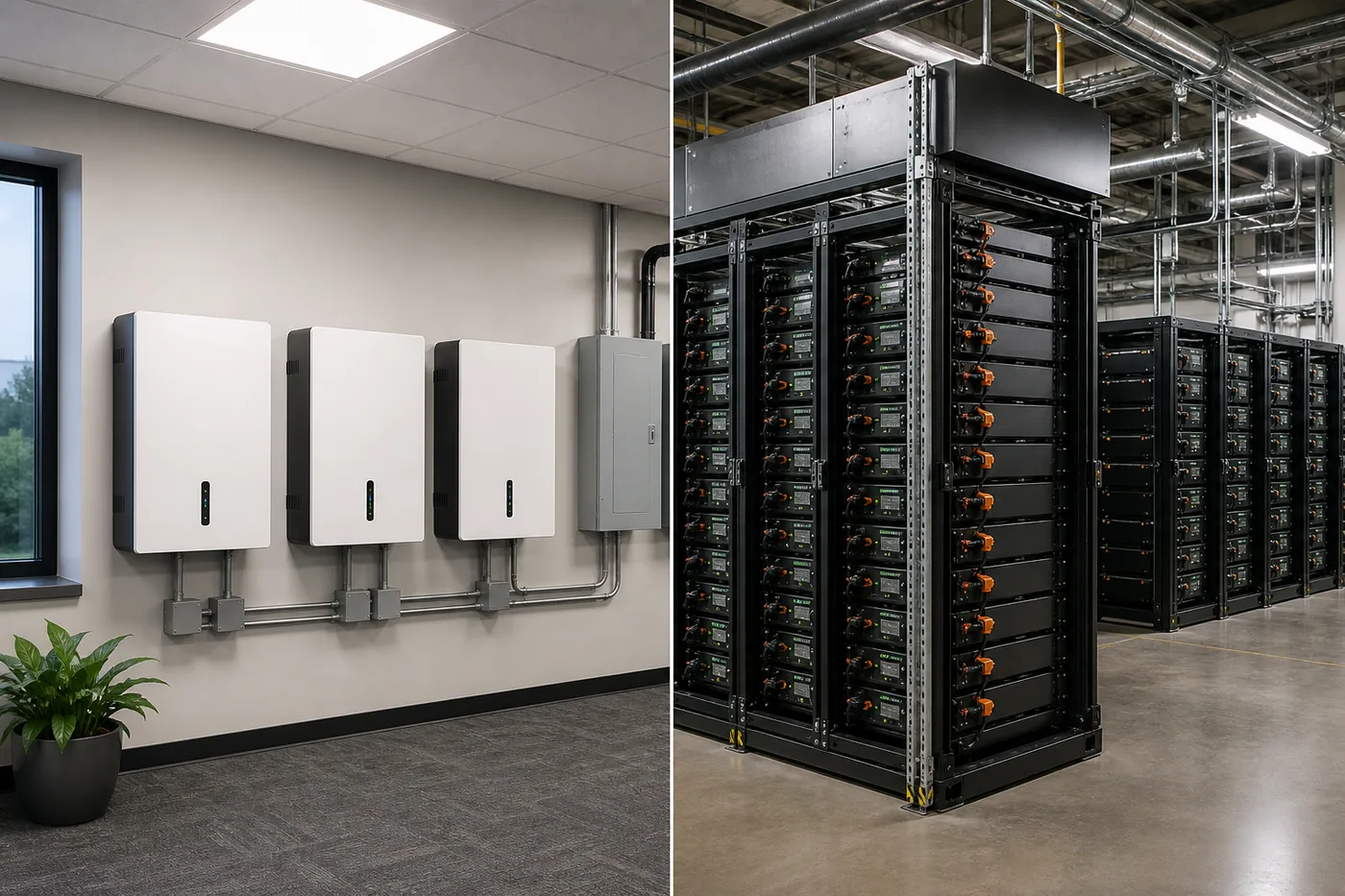
Commerce default LV 51.2 V vs HV when cable and scale win. CAPEX around ~30 kWh, service risk, growth path. Link to FLEX Academy. Request a quote.
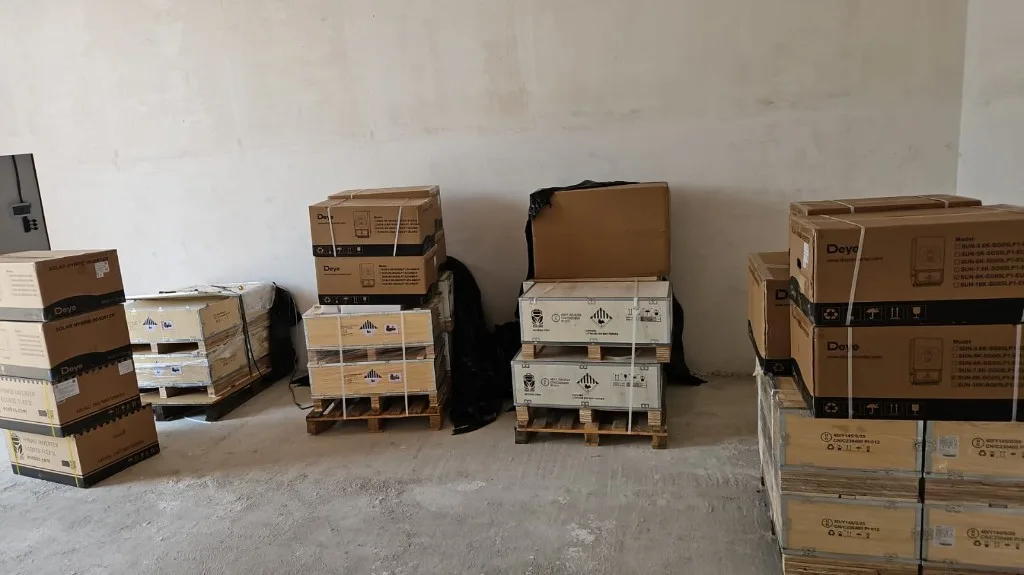
Deye hybrid inverters and LiFePO4 energy banks now in Inversol stock in Tbilisi. See the catalog and request a kit!
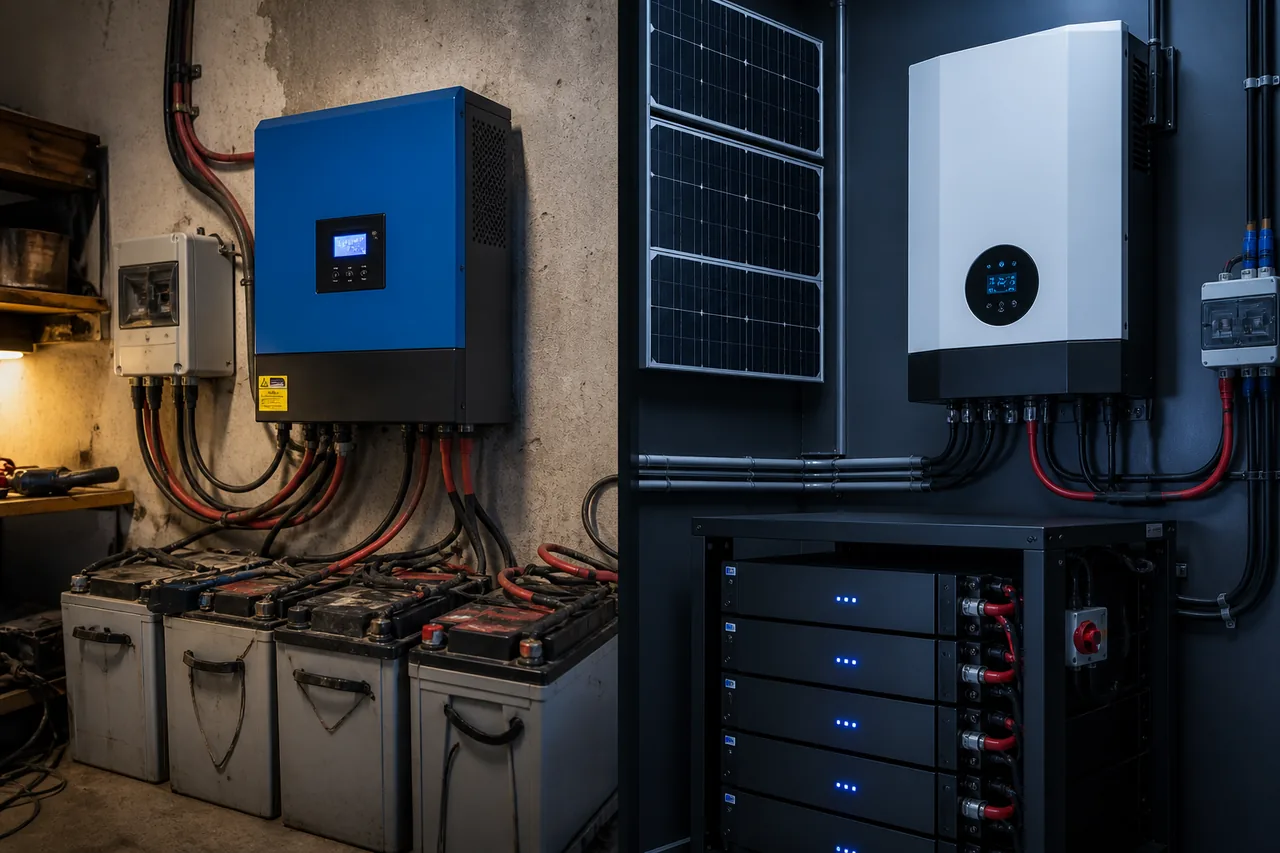
HF off-grid vs HV hybrid: topology, 20–50 ms transfer, AGM vs LiFePO4, anti-islanding and GNERC rules. Why cheap kits fail TCO in Georgia.